The ASUS TUF Gaming H1 Gen II gaming headset is a budget-friendly wired option for PC and PlayStation players, but it isn’t for everyone. It connects through USB-A, and ASUS lists only PC, PS4 and PS5 as supported, so Xbox and Switch players should check compatibility first.
On paper, it offers 40 mm drivers (the small speakers inside each earcup), a light 297-gram body and virtual 7.1 surround sound, a software effect that simulates sound coming from many directions. Published reviews praise its comfort and microphone, but they also point to the lack of a companion app and awkward controls.
Below, I cover comfort, sound quality, the mic and platform support, and I’ll be upfront about where it falls short. This is an info-only review, not a store page. Prices change often, so check a current listing before you buy.
Design, Build Quality and Comfort
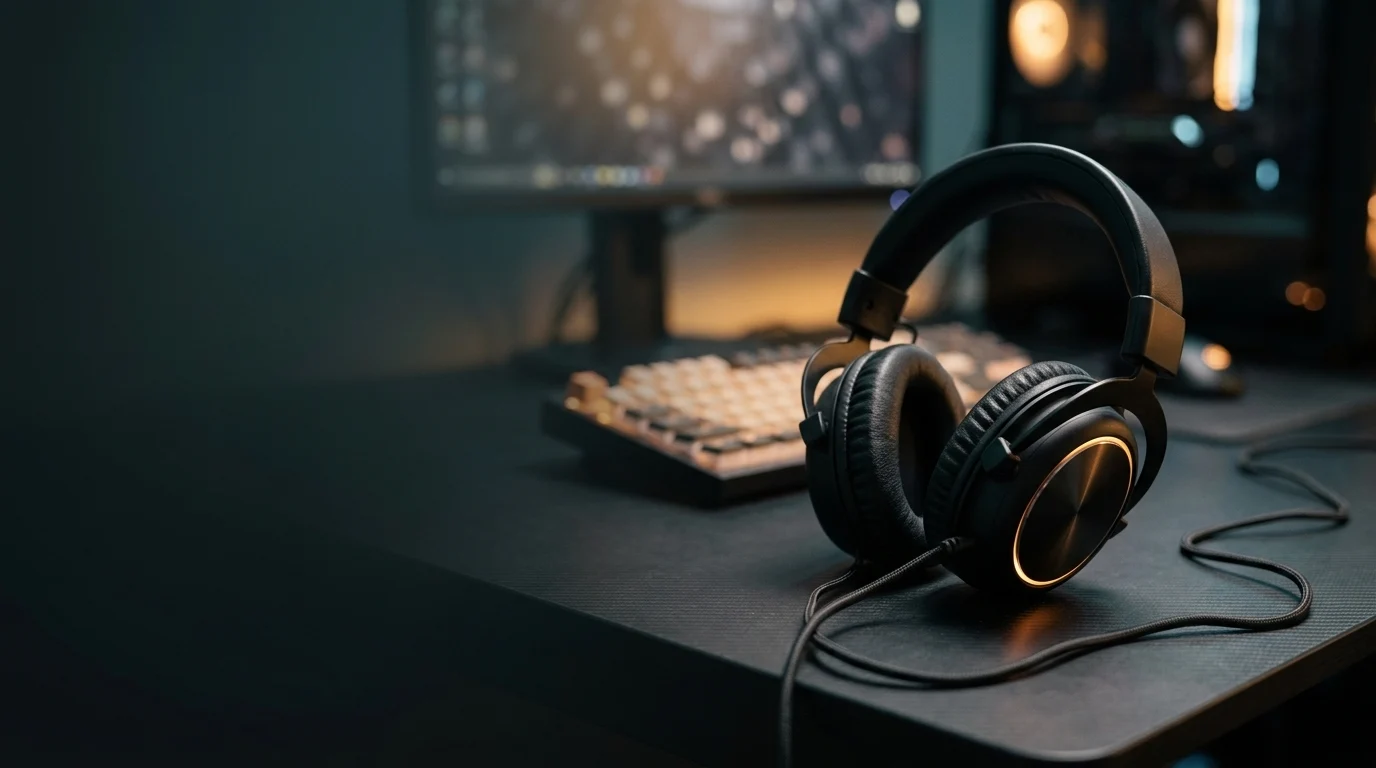
The H1 Gen II is a closed-back, over-ear headset. “Closed-back” means the outside of each earcup is sealed, which helps block room noise. It weighs 297 grams, which is light for a full-size headset, and the metal suspension headband comes with a soft PU leather strap. PU leather is a synthetic leather-like material.
A “suspension” headband hangs on your head like a hammock rather than pressing down with a hard pad. The Root Nation review notes the lower band is thin, soft plastic rather than a rigid frame.
The headset also has TUF logo lighting, which ASUS says is a first for the TUF headset line. A Hatsune Miku Edition also exists. It’s a different version, so check the listing for its price and exact differences.
Comfort over long sessions
Tom’s Guide called it extremely comfortable, which fits the low weight. Comfort is personal, though, and the Root Nation reviewer said the earpads sat above her ears, which hurt fit for her. That suggests head shape matters.
[Add your own notes here: how it felt after one hour and after three hours, whether it got warm, and how it sits with glasses. I haven’t tested it, so I won’t guess.]
Where the build and design fall short
The cable is the biggest complaint. It’s about 2 metres long, and Tom’s Guide found that only works if your console or PC is on a desk or your couch is right next to the TV.
The microphone and cable are fixed to the left earcup, so you can’t swap either one if it breaks. The controls sit on a small in-line remote on the cable, which Root Nation found a little too low to reach comfortably. Tom’s Guide called the design divisive, so look at photos before buying.
Sound Quality
ASUS lists 40 mm drivers with compact airtight chambers, aimed at clear audio and deeper bass across a 20 Hz-20 kHz range. A “driver” is the small speaker inside each earcup, and “bass” means the low, rumbling sounds like explosions and engines. That frequency range is roughly what humans can hear, so it describes the range, not the quality. Treat those lines as ASUS marketing until a real test backs them up.
Bass, mids and highs in practice
The independent feedback I found is positive and focused on games. Tom’s Guide praised a wide soundstage that makes games feel more immersive. “Soundstage” is how spread out and roomy the sound feels, which helps you tell where things are happening. The reviewer said they relied only on audio cues in one game and didn’t miss a single parry, which is a useful real-world check.
Music vs gaming
I found no detailed music review for this headset, and the coverage I saw centres on gaming. [Add a short note on how it handles music: playlists, genres and anything that sounded off.] If you mostly listen to music, you may want a headset reviewed for that, and a gaming headset’s tuning often favours explosions and footsteps.
The limits
The headset has no companion app, so you likely can’t adjust the sound with an equaliser. An “EQ” lets you boost or cut bass or treble to taste. I couldn’t confirm this, so check ASUS’s official page before assuming there’s no tuning option.
It’s also a closed-back design, which usually blocks outside noise and leaks less than open-back headsets. Some sound can still escape at high volume, so [add your own note on isolation and leakage].
Virtual 7.1 Surround in Real Games
The TUF Gaming H1 Gen II 7.1 surround sound is a switch, not a separate set of speakers. The in-line remote on the cable has a button for turning virtual 7.1 surround on or off, alongside volume, mic mute and lighting.
“Virtual” matters here. The headset has one driver per ear, so the effect is simulated by processing the audio, not by seven separate speakers. It tries to make sounds seem to come from behind, beside or in front of you. Results vary by game and by person, and some people find the effect muddy or echoey.
I couldn’t confirm how ASUS implements it or whether PC players need extra software, so check ASUS’s official support page before buying.
Competitive shooter test
In a competitive shooter, surround can help you judge where footsteps come from. [Add your own test: name the game, the map or mode, and whether surround helped you locate enemies or just blurred the sound. I haven’t tested it, so I won’t guess.]
For context, Tom’s Guide praised the wide soundstage and said it relied on audio cues alone to time parries in one game. That review doesn’t say whether surround was switched on, so don’t treat it as a surround test.
Single-player and cinematic test
Surround is often most noticeable in story-driven games with big set pieces. The same reviewer said racing felt like actually sitting behind the wheel. Again, that comes from the headset’s overall sound, not specifically from the surround mode. [Add your own notes: a film-like game you tried, and whether surround on or off sounded better.]
Is it useful or a gimmick?
My honest read, based on what I could verify, is that it’s an optional extra. The soundstage praise comes from the headset’s normal stereo sound, so you may not need surround at all. Test it on and off in your own games, and keep it off if it makes dialogue or music sound thin or echoey.
Microphone Quality
The headset has a TeamSpeak-certified unidirectional analog boom microphone, tuned for clear voice comms. TeamSpeak is a voice-chat program used by gaming groups. “Unidirectional” means the mic mainly picks up sound from the front, which helps cut background noise. A “boom” mic is the arm that extends toward your mouth. I couldn’t confirm what ASUS’s TeamSpeak certification tests, so treat it as a manufacturer claim. scan
What reviewers found
The independent verdict is positive. Tom’s Guide said the mic is great and makes you sound loud and clear, which matters in online games where teammates need to hear you.
Root Nation reports the box includes a foam filter for the mic, which can soften breathing and “pop” sounds when you say words like “p” and “b.”
Limits to know about
The mic is fixed to the left earcup, so you can’t detach it. If it breaks or you prefer a better one, you can’t swap it. The headset also has no companion app, so you likely can’t adjust mic settings beyond the in-line mute control.
Controls and Lighting
The in-line remote
All the controls sit on a small remote on the cable. It handles volume, mic mute, virtual 7.1 surround and lighting on/off. “In-line” means the remote is built into the cable rather than on the earcups. This is a change from Gen I, which had buttons on the earcups.
The remote is a mixed bag. A cable remote is easy to reach without taking the headset off. But Tom’s Guide listed the controls among its frustrations, and Root Nation felt the remote sits a little too low. [Add your own notes: how easy it was to find each button by feel, and whether you hit the wrong one mid-game.]
Lighting
The TUF logo lighting is a first for the TUF headset line. Root Nation describes it as minimal. You can turn it off from the remote, and since you can’t see the lighting while wearing the headset, it mainly matters for how your setup looks.
Software
There’s no companion app, so button controls are all you get. I couldn’t confirm whether any driver is needed on PC, so check ASUS’s official support page.
Platform Compatibility: PC, PlayStation, Xbox and Switch
The headset connects with a USB-A plug, the standard rectangular USB port. ASUS’s tech spec page lists PC, PlayStation 4 and PlayStation 5 as supported platforms. So the TUF Gaming H1 Gen II works with PS5, and Tom’s Guide tested it with a PS5.
| Platform | Listed by ASUS? |
| PC | Yes |
| PlayStation 5 | Yes |
| PlayStation 4 | Yes |
| Xbox | Not listed |
| Nintendo Switch | Not listed |
| Phones and tablets | Not listed |
TUF Gaming H1 Gen II Xbox and Switch: check before you buy
ASUS doesn’t list Xbox or Switch, so I can’t confirm the headset works on either. Don’t assume it does just because it has a USB plug. Consoles are picky about which USB audio devices they accept. If you play on Xbox or Switch, check ASUS’s official page or ask support before buying.
Don’t mix it up with the wireless model
A separate TUF Gaming H1 Wireless exists, and some listings blur the two. One UK retailer page describes a wireless 7.1 headset that connects over 2.4 GHz and works with Switch, while its text refers to the Gen II. That doesn’t match the wired USB-A Gen II, so I’d treat that listing as unreliable. Root Nation says the Gen II dropped the wireless option, at least for now. Confirm the exact model name before you order. [Add any platform quirks you hit, such as a PS5 setup step or a PC detection issue.]
Gen II vs Gen I vs H3 (and Rivals)
The Gen II is a refresh of the original TUF Gaming H1. Root Nation says the main technical specs are practically the same between the two generations. The differences it lists are:
- A cable remote replaces the buttons on the earcups.
The Gen II has no wireless version, at least for now. - The connectors on the fixed cable are different.
The connector change matters. A third-party comparison database lists the original H1 with a 3.5 mm 4-pole plug, the round headphone-style plug, while the Gen II uses USB-A. That database isn’t an official source, so confirm on ASUS’s page before you rely on it.
Root Nation frames the Gen II as aimed at PC and console players rather than mobile gaming. If you want to plug into a phone, the original may suit you better. I couldn’t verify that, so check the specs first.
Where the H3 fits
ASUS’s product page shows the H1 Gen II, the original H1 and the H3 together in the TUF Gaming headset line. I couldn’t verify the H3’s specs or price, so check ASUS’s official page before comparing.
Rivals
I found comparison pages pairing the original H1 with headsets from Turtle Beach, Razer and SteelSeries, but none were clearly for the Gen II, and I have no verified prices. [Add 2-3 rivals at a similar price with current prices and a one-line trade-off each, such as wired vs wireless or app support.] Check each listing’s platform support, especially if you play on Xbox.
Price and value
Prices vary a lot by store and region, so check a current listing. Reported figures I found include $49 / £59 at Tom’s Guide, around $70 / €69 at Root Nation, and retail pages at £52.99, $64.99 and $78.13. The Hatsune Miku Edition was $99 at Best Buy in one review, so it costs more. [Add today’s prices and the date you checked them.] ASUS gives it a 1-year limited warranty.
Pros
- Light at 297 grams, and reviewers found it comfortable
- Wide soundstage and a loud, clear mic
- Works with PC, PS4 and PS5
- Low price compared with wireless headsets
Cons
- No companion app, so no EQ or mic tuning
Controls that reviewers found frustrating and a remote that sits a little too low A cable that only suits setups close to the screen - Fixed mic and cable, so nothing is replaceable
- USB-A only, with no Xbox or Switch support listed
- A divisive designEarpad fit varied: one reviewer found the pads sat above her ears
- Retailer ratings look modest: 3.9 from 19 ratings on one Newegg listing, a small sample Who should buy it, and who should skip it
Buy it if you play on PC or PlayStation, sit near your screen, and want a light, cheap wired headset with a good mic.
Skip it if you play on Xbox or Switch, want wireless, need app-based sound tuning, or sit far from your console.
FAQ
Does the TUF Gaming H1 Gen II work on Xbox?
I can’t confirm that it does. ASUS’s tech spec page lists PC, PlayStation 4 and PlayStation 5 as supported platforms, and Xbox isn’t among them. Consoles are picky about USB audio devices, so check ASUS’s official page or contact support before buying for Xbox.
Is the TUF Gaming H1 Gen II wireless?
No, the Gen II is wired. It uses a USB-A plug, and Root Nation says the Gen II has no wireless version, at least for now. A separate TUF Gaming H1 Wireless exists, and a comparison database lists it as using a 2.4 GHz connection. Make sure the exact model name matches what you want, because some listings mix the two up.
Does it work with PS5?
Yes. ASUS lists PS5 as a supported platform, and Tom’s Guide tested it with a PS5. The USB-A connection is what gives it PC and PlayStation 5 compatibility. If you plan to use the headset on a PS5, check that your console has a free USB-A port.
Is the virtual 7.1 surround sound worth using?
It’s optional, and results vary by game and by person. You can switch it on or off with a button on the in-line remote, so it’s easy to compare. Test it in your favourite games, and keep it off if voices or music sound thin or echoey. The praise reviewers gave for the soundstage came from the headset’s general sound, and I found no review that credits the surround mode specifically.
What’s the difference between the H1 Gen II and the original H1?
Root Nation says the main specs are practically the same. The Gen II swaps the earcup buttons for a cable remote, has no wireless version, and has different connectors on the fixed cable. For the full comparison, see the Gen II vs Gen I section above.
Conclusion
The ASUS TUF Gaming H1 Gen II is a sensible pick for PC and PlayStation players who want a light, cheap wired headset with a clear mic. Reviewers back up the comfort, soundstage and mic. Tom’s Guide’s follow-up piece called it a good headset held back from greatness by a few flaws. Those flaws are the missing app, the awkward remote and a cable that suits only setups close to the screen.
Skip it if you play on Xbox or Switch, or want wireless. Prices change often, so check a current listing before you buy. [Add the date you last checked prices.] [Add a link to a related guide, such as a headset buying guide.]