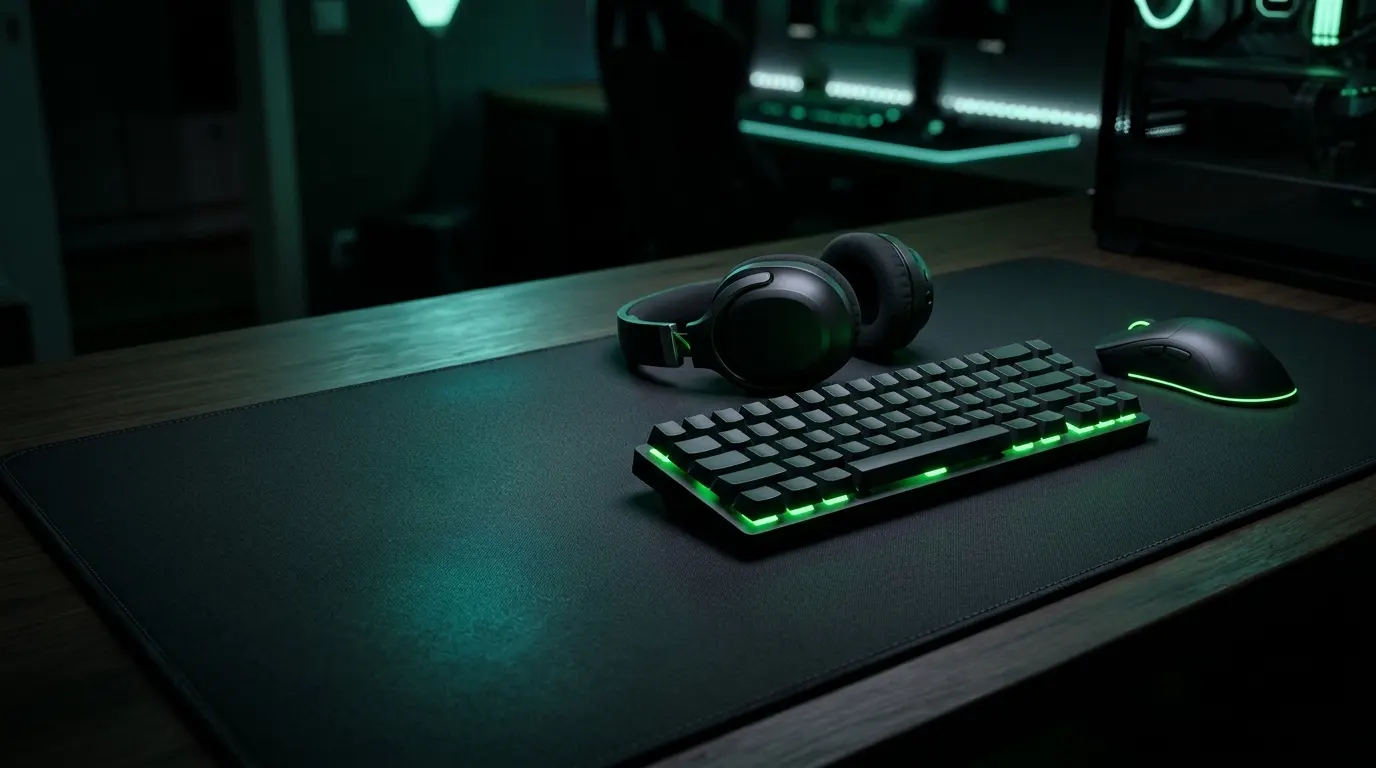
Razer gaming gear is worth buying if you want a wide range of hardware and a large software ecosystem, and you’re fine paying a premium for it. It isn’t the best value in every category, so the right pick depends on your budget, your platform and the games you play.
If you’re new to razer gaming, the range can feel confusing. Razer makes mice, keyboards, headsets, laptops, controllers and chairs, and each type comes in several models at different prices.
This guide explains what each type of Razer gaming gear does, who it suits and where it falls short. You’ll get beginner picks, advanced setup tips and honest criticism, not just praise.
A quick note: this is an information blog. We don’t sell products, so check Razer’s official site or a trusted retailer for current models and prices.
Quick Facts: Razer Gaming at a Glance
As of November 2026. These are US list prices, and they change often. Check Razer’s official site before you buy.
- What it covers: Razer sells gaming mice, keyboards, headsets, laptops and other gear for PC, console and mobile.
- Laptops: The 2026 Blade 18 starts at US$3,499.99 on Razer’s site, down from a launch price of $3,999.99. The 2026 Blade 16 also starts at $3,499.99.
- Mouse: The Viper V4 Pro launched at $159.99, and the DeathAdder V4 Pro is listed at $169.99.
- Keyboard: The Huntsman V3 Pro costs $249.99 full-size, $219.99 in the TKL (no number pad) version, and $179.99 in the Mini version.
- Headset: The BlackShark V3 Pro has a list price of $249.99.
- Software: The newest Synapse release notes I found are dated 5 August 2026 (version 4.0.86.2608040510). Razer may have released a newer one since, so check its site.
- Controllers and chairs: not verified, so check Razer’s official site
The Razer Ecosystem: Synapse, Chroma and HyperSpeed
Razer Synapse is the app you use to change your devices’ settings. You can remap buttons and set up macros, which are sets of actions triggered by one key press. Newer versions let one key do different things when pressed, held or released. A feature called Workshop lets users share their profiles.
Chroma is Razer’s RGB lighting system. RGB means lighting you can set to almost any colour. Razer has partnered with other brands, including Philips Hue, MSI and NZXT, so lighting can sync across products.
HyperSpeed is Razer’s wireless tech, which uses a small USB receiver called a dongle. Some models, like the Viper V3 HyperSpeed, need a separate dongle (sold separately) to reach higher polling rates. Polling rate is how often a mouse reports its position to your PC.
The downside is Synapse itself. One reviewer found its menus intimidating on a feature-packed keyboard. Razer’s release notes also keep listing fixes for problems like keyboard settings not saving.
How Razer Tiers Work
Razer uses labels like “X”, “Pro” and version numbers. The BlackShark V3 X HyperSpeed is the entry-level headset, with the V3 and V3 Pro above it. A higher tier isn’t always worth it. PC Gamer said the V3 Pro’s noise cancelling didn’t justify its price over the regular V3. The range can also get confusing, since Windows Central counted seven different Huntsman keyboards.
Where Razer Is Strong vs Where Rivals Win
Razer shines in light esports mice and advanced keyboards. PC Gamer praised the Viper V4 Pro’s build, clicks and low weight. But Windows Central said most people don’t need the Huntsman V3 Pro’s features.
Rivals can beat Razer on price. TechRadar suggested the SteelSeries Apex Pro TKL and MSI Vigor GK71 Sonic for similar features at a much lower price.
Razer Gaming Mouse: Viper V4 Pro and DeathAdder V4 Pro
Category: wireless esports mouse | Platforms: PC and Mac | Best for: FPS players
RTINGS names the Viper V4 Pro as the best Razer mouse for FPS games. It weighs 49 g (50 g in white) and supports up to 8K polling, over USB-C wired or 2.4 GHz wireless. The DeathAdder V4 Pro is the right-handed ergonomic option.
Honest drawback: Razer estimates 150 hours of battery at 1,000 Hz polling, but only 22 hours at 8,000 Hz. That figure is for the DeathAdder, so check the Viper’s numbers.
Razer Gaming Keyboard: Huntsman V3 Pro
Category: analog optical keyboard | Platforms: PC | Best for: competitive players
It uses Razer Analog Optical Switches Gen-2. Analog switches let you set how far a key must travel before it registers. It also supports Rapid Trigger, a feature built for esports. A cheaper TKL (no number pad) 8KHz version costs $169.99.Honest drawback: Windows Central said most people don’t need its advanced features. It also noted a learning curve and a wrist rest that slides around. Razer Gaming Headset: BlackShark V3 Pro and Kraken V4
Category: wireless headset | Platforms: PC, Mac, PS5, Xbox, and phones | Best for: competitive or multi-platform players
The BlackShark V3 Pro adds noise cancelling and can use Bluetooth and 2.4 GHz at the same time. The Kraken V4 Pro adds haptics, which are vibrations you feel through the ear cups. The standard Kraken V4 costs $179.99.
Honest drawback: PC Gamer wasn’t impressed by the V3 Pro’s noise cancelling, which made its premium over the standard V3 hard to justify. The Kraken V4 Pro costs over twice as much as the Kraken V4. Razer Gaming Laptop: Blade 16 and Blade 18
Category: gaming laptop | Platforms: Windows 11 | Best for: players who want top-end power
The 2026 Blade 16 offers up to an RTX 5090 graphics card. It has a 16-inch 240 Hz OLED screen and is 14.9 mm thin. The Blade 18 has a dual-mode display that switches between higher resolution and higher frame rates.
Honest drawback: price. Tom’s Hardware tested a Blade 18 costing $5,399.99. Another review found it runs loud.
Controllers and Mobile Gear: Wolverine V3 Pro
Category: pro controller | Platforms: Xbox and Windows | Best for: competitive Xbox or PC players
It costs $199, connects wired or over 2.4G wireless, and lasts up to 20 hours per charge. The wired Tournament Edition is around $99. I couldn’t verify Razer’s mobile accessories, so check its site.
Honest drawback: It costs nearly $50 more than the Xbox Elite Series 2, and you can’t remap buttons with third-party software like Steam.
Chairs and Desk Setup: Iskur V2
Category: gaming chair | Platforms: not applicable | Best for: long sessions, back support
Reviewers rate the Iskur V2’s lumbar (lower-back) support very highly. It lists at $649.99, though it has dropped to $399.99 on sale. The Iskur V2 X is a budget version at $299.99.
Honest drawback: Windows Central found the seat too hard for comfort. PCGamesN disliked the headrest.
Beginner Path: Your First Razer Setup
New to Razer? You don’t need to buy a full setup. Start with one or two pieces, and add more later.
Under a Set Budget
Razer’s top models are expensive, so a first setup usually means choosing a cheaper tier. For example, the BlackShark V3 X HyperSpeed is the entry-level headset in its line, and the standard Kraken V4 costs $179.99. A TKL 8KHz Huntsman costs $169.99. I couldn’t verify Razer’s cheapest mouse and keyboard prices, so check Razer’s site for those.By Game Type
- FPS (first-person shooter) games: pick a light mouse. RTINGS rates the Viper V4 Pro as the best Razer mouse for FPS.
- MOBA (multiplayer online battle arena) or MMO games: look at Razer’s Naga range, which is known for extra side buttons. Check the site for current models.
- Console or single-player: pick a headset that works across platforms. The BlackShark V3 Pro works with PC, Mac, PS5 and Xbox.
- Xbox or PC controller players: the Wolverine V3 Pro supports Xbox and Windows.
The Three Pieces to Buy First
- Mouse: it affects aim and comfort the most.
- Headset: good sound and a clear mic help in every game.
- Keyboard: upgrade this last, since the extra features matter mostly for competitive play.
Advanced Setup: Tuning Razer Gear for Competitive Play
These tips are for players who already know the basics. Start with the wireless and polling settings, since they change how your mouse performs and how long it lasts.
Polling Rate, DPI and Sensor Settings
DPI (dots per inch) sets how far your cursor moves for each inch you move the mouse. The Viper V4 Pro goes up to 50,000 DPI, but that is a ceiling, not a target. A good habit is to pick a DPI you can control, then fine-tune sensitivity in the game itself.
Polling rate is how often the mouse reports its position. Razer describes 8,000 Hz as one report every 0.125 ms. Esports players in games like Valorant, Fortnite or CS2 may notice the change.
Honest drawback: the extra speed has a cost. Higher polling rates use more CPU, and Logitech warns of possible minor FPS drops in some games. Sources disagree on how much, so test it on your own PC.
Wireless Latency and Battery Trade-offs
The DeathAdder V4 Pro uses HyperSpeed Wireless Gen-2, and the Viper V4 Pro also works over a USB-C cable. Wired play removes any battery worry.
The DeathAdder V4 Pro’s battery drops from about 150 hours at 1,000 Hz to 22 hours at 8,000 Hz. One retailer’s guide suggests 4,000 Hz gives most of the latency benefit at roughly twice the battery life. Treat that as a starting point, not a rule.
Razer Synapse Profiles and Macros
In Razer Synapse, you can save separate profiles for different games. Phased macros let one key do different things when pressed, held or released. Workshop lets you download profiles shared by other users, including pro players.
On the Huntsman V3 Pro, Rapid Trigger is an esports feature that resets a key as soon as it starts coming back up. Snap Tap changes how the keyboard handles opposite direction keys.
Honest drawback: tournament rules on Snap Tap have changed. ESL allowed it in July 2024, but later reports say CS2 now blocks it, and ESEA banned null binds in league matches. Read your event’s rulebook before using it. Also, Razer’s own release notes list a fix for Snap Tap key combos not saving on Huntsman V3 devices
Platform Differences: PC vs Console vs Mobile
Razer gear mostly works everywhere, but the software and the full feature set don’t. Here is how it breaks down by platform.
What Works Best on Windows
Windows is where Razer’s software gets the most attention. The newest Synapse release notes I found are for the Windows version. Razer’s Blade laptops ship with Windows 11. The Wolverine V3 Pro controller supports Windows and Xbox.
Mac and Linux Limitations
Mac support is better than it used to be. Razer’s support page says Synapse for Mac supports Apple silicon Macs running macOS Ventura 13 and above. It also says Synapse 3 updates and cloud services ended on February 3, 2026. Check the page for your specific device, since I couldn’t confirm it matches the Windows features.
On Linux, there’s no official Synapse. The community fills the gap with OpenRazer and Polychromatic, though advanced features and new devices remain a challenge.
Console Compatibility
Headsets are the easiest to use on console. The BlackShark V3 Pro works with PS5 and Xbox, but Razer makes separate PC, PlayStation and Xbox versions of some headsets, so buy the right one. On a PS5, the console supports keyboard and mouse, but game support varies. Honest drawback: one owner reported their Razer wireless keyboard only worked when wired on PS5. A community helper also noted that customizing a Razer keyboard needs a PC with Synapse. Set up your gear on a PC first.
Mobile: Razer introduced PC Remote Play at CES 2025 to stream PC games to phones. I didn’t verify its current status.
Honest Criticism: Where Razer Falls Short
Razer makes some excellent gear, but it isn’t flawless. These are the most common complaints, so you can weigh them before you buy.
The Price Premium
Razer is often the pricey option. TechRadar said the 2026 Blade 16 isn’t cost effective, and PC Gamer called the $400 Kraken V4 Pro expensive. GamesRadar felt the brand’s price premium most strongly on the Iskur V2 NewGen chair. The good news is that discounts happen. The Wolverine V3 Pro dropped from $199.99 to $149.99 at one retailer.
Synapse Software Complaints
One reviewer found Synapse’s menus intimidating on a feature-packed keyboard, and Razer’s release notes regularly list fixes for settings that don’t save. PC Gamer also reported owner complaints about Blade laptops, including Synapse-related problems, though it noted that forums mostly show unhappy owners.
Quality-Control and Durability Reports
The most repeated complaint is the double-click problem, where one click registers twice. A Razer forum thread from July 2026 reports a Naga V2 HyperSpeed double-clicking after eight months. Razer’s Trustpilot score is 2.5 out of 5, but those are individual opinions, not a failure rate. Others report good support: one reviewer said Razer replaced a mouse that started double-clicking. Warranties help: headsets have 2 years and the Iskur V2 NewGen has 3 years. When a Competitor Is the Better Buy
In a Razer vs Logitech comparison, BGR concluded Razer is strong for mice but Logitech generally wins on headsets. RTINGS found Logitech’s Superlight 2c noticeably smaller and better for smaller hands than the Viper V4 Pro. PC Gamer said Logitech’s $180 Superstrike offers new analog click technology, while the Viper V4 Pro offers a traditional click. Choose by hand size, budget and platform.
Common Razer Gaming Mistakes to Avoid
Most Razer buying mistakes are easy to avoid once you know them.
- Buying for looks, not fit. RGB lighting won’t help your aim. RTINGS says the Viper V4 Pro and DeathAdder V4 Pro differ mainly in shape, so pick by your hand size and grip.
- Ignoring platform support. The Wolverine V3 Pro supports Xbox and Windows, and some headsets come in separate PC, PlayStation and Xbox versions. Check before you buy.
- Buying an outdated model. Razer’s range is crowded, and older Huntsman V2 models are still on sale beside the V3 line. Razer’s own page shows the 2026 Blade 18 offers up to 128GB of RAM versus 32GB for the 2025 model.
- Skipping updates. Updates can add real improvements. A firmware update raised the DeathAdder V4 Pro’s battery rating from 120 to 150 hours. Synapse release notes also show frequent device-specific fixes.
- Ignoring warranty terms. Razer’s support page lists 2-year warranties for keyboards and headsets, 2 years for mice and 1 year for laptops. You need valid proof of purchase for any claim, so keep your receipt. RazerCare Elite extends coverage to 3 years for new mice, keyboards and audio. Terms vary by region and seller, and return windows vary too, so check before you buy.
FAQ: Razer Gaming Questions
Is Razer gaming gear worth the price?
It depends on how you play. Razer is strong in light esports mice and advanced keyboards, but it’s often pricey. TechRadar said the 2026 Blade 16 isn’t cost effective. Competitive players who will use the extra features get the most value. Casual players can save money with cheaper tiers or rival brands. Watch for sales: the Iskur V2 chair has dropped from $649.99 to $399.99.
Do I need Synapse to use Razer devices?
Not for basic use. A Razer support reply says a Huntsman Elite works as a basic keyboard without Synapse. Razer’s support page says on-board memory lets you save settings to the device and use them on another computer without Synapse. However, macro storage varies by model, and some macros only work while Synapse is running.
Does Razer work on Mac or Linux?
On Mac, Razer says Synapse for Mac supports Apple silicon Macs on macOS Ventura 13 and above. On Linux, there’s no official Synapse, but community tools like OpenRazer and Polychromatic fill the gap.
Which Razer mouse is best for FPS games?
RTINGS names the Viper V4 Pro as the best Razer mouse for FPS gaming. It weighs 49 g and supports up to 8K polling. If you prefer a right-handed ergonomic shape, look at the DeathAdder V4 Pro.
How long does Razer gear last?
I couldn’t find an official lifespan, so I won’t guess one. What’s verified is the warranty: 2 years for mice and 1 year for laptops, and 2 years for keyboards and headsets. Some owners report double-click problems after months of use, so keep your receipt.
Conclusion
Razer gaming gear is worth it if you play competitively and will use the extra features, but it isn’t the best value for everyone.
If you’re starting out, buy a mouse first, then a headset, then a keyboard. For FPS games, RTINGS rates the Viper V4 Pro as the best Razer mouse. Choose by hand size, platform and budget, and read the warranty terms before you pay.
Skip Razer if price matters more than features, if your console isn’t supported, or if a rival fits your hand better. Prices and models were verified on November 11, 2026, so check Razer’s official site before you buy.